
For colorists and editors in DaVinci Resolve
A film look in one node.
M3-Film is a film emulation plugin for DaVinci Resolve, an OpenFX effect for $49, once, on Mac and Windows. It runs the picture through a film negative and a print, then adds halation, grain and gate texture. Pick a recipe and go, or open the full panel.
$49 once Mac and Windows. Your download email has both installers.
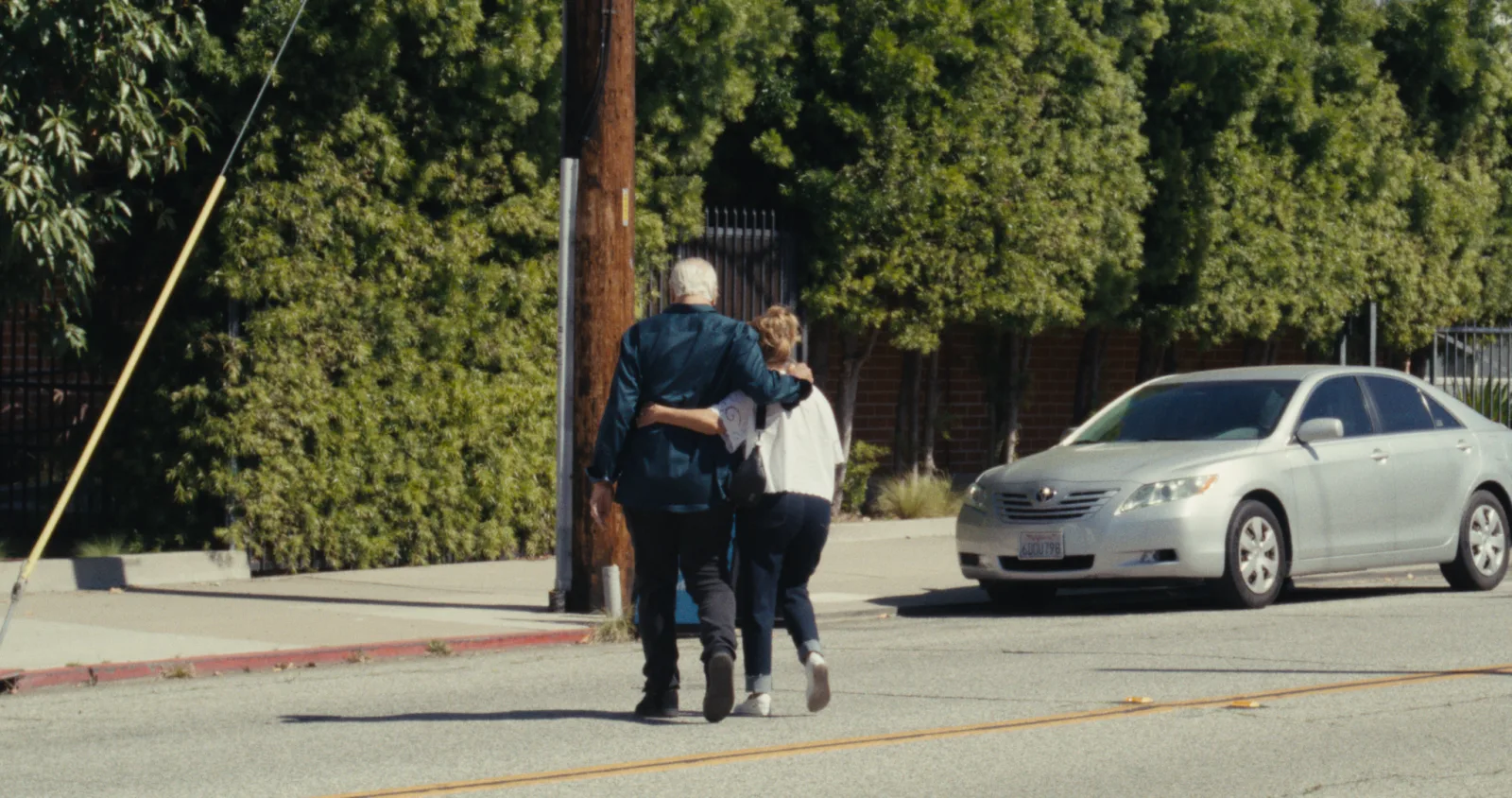
Why not stack a LUT, a glow and a grain plate?
Today
It gets you close. But the glow doesn't know the stock, and the grain doesn't know the gauge.
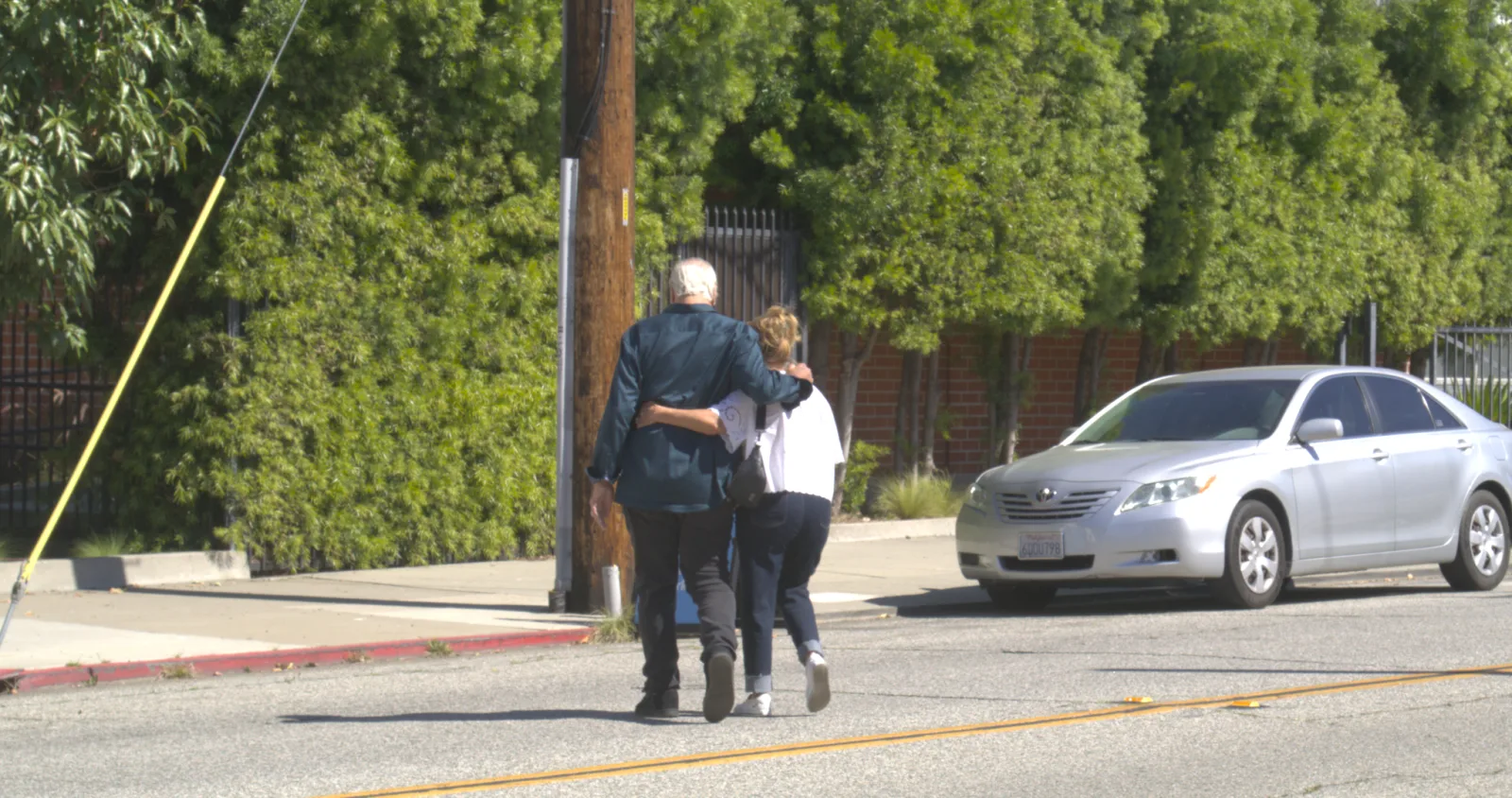
With M3-Film
M3-Film works in order, the way a lab does. A negative stock, then a print stock, with halation and grain in the chain. Halation can follow the stock, and grain size follows the film gauge.
How does M3-Film work?
- 01
Install the package
Quit Resolve and run the Mac or Windows installer. Open Resolve and find it in the OpenFX panel under Monolith 3.
- 02
Match your timeline
Drop it on a node and set Input and Output color space to what your timeline uses.
- 03
Pick a recipe
A recipe sets the film stock, print stock and look together. The Basic panel shows 16 everyday controls. Switch to Full for the rest.
- 04
Dial the film
Exposure, temperature and tint first, then stock, halation and grain. The Guide button in the panel opens the full guide.
What is in the chain?
| Stage | What it does |
|---|---|
| Input | 33 input color spaces, with exposure, temperature and tint |
| Negative | 106 negative stocks, with push, pull, expired film and bleach bypass |
| 21 print stocks, with printer points for red, green and blue | |
| Halation | The glow around highlights, at Draft, Good or Best quality |
| Grain | Strength, size and softness, and grain that follows the film gauge |
| Texture | Super 8 to 65mm, with gate weave, flicker and dust |
| Output | 21 output color spaces, SDR and HDR |
Where does M3-Film sit in the chain?
| M3 Diffusion | M3 Glass | M3-Film | |
|---|---|---|---|
| What it does | The filter in front of the lens | The lens itself | The film look |
| Order in the tree | First | Second | Third |
| Price | $19 | $19 | $49 |
What do you get?
- The M3-Film OpenFX effect for DaVinci Resolve on Mac
- 106 negative stocks, 21 print stocks and a recipe menu
- A quick lens diffusion section, off until you turn it on
- The Windows installer too, in the same email
- Setup steps by email, and a person to write to if you get stuck
Who isn't it for?
- Full lens work. Glass and Diffusion are their own plugins, $19 each.
- Anyone not grading in DaVinci Resolve
What does M3-Film cost?
Pairs with: M3 Glass · M3 Diffusion · M3 Balance
Or get all four in M3 Coloring Tools.
Questions
What do I need to run it?
DaVinci Resolve on a Mac with macOS 13 or later, Apple silicon or Intel, or on Windows. We test it in Resolve 21.
Is halation included, or an add-on?
Included. Halation is a stage in the M3-Film chain, at Draft, Good or Best quality, and it can follow the stock.
Is Resolve's Film Look Creator enough?
Sometimes. It's built in and it's free. If you want one general film look and you're happy to tweak it by hand, it may be all you need. M3-Film is for when you want a named negative and print stock, halation and grain that follow the stock, and a recipe you can drop on a node and trust.
Do I need Glass and Diffusion too?
No. M3-Film works alone. It has a quick lens diffusion section, off by default. M3 Diffusion and M3 Glass are separate plugins. Use them ahead of M3-Film, and switch the lens section off.
What's the difference between Basic and Full?
Basic shows the 16 everyday controls. Full shows all of them. Hidden controls keep their values and still act.
Does it run on Windows?
Yes. Your download email has a Mac link and a Windows link. The Windows version is new. If anything looks off, write to info@monolith3.studio.
The installer won't open. What do I do?
It isn't signed, so macOS may block it the first time. Open System Settings, then Privacy & Security, scroll down and click Open Anyway, then open the installer again. On macOS 15 and later, right-click and Open no longer works. On Windows, click More info on the warning, then Run anyway.
Is M3-Film made by Blackmagic Design?
No. M3-Film is an independent OpenFX effect from Monolith 3. DaVinci Resolve is a trademark of Blackmagic Design, which doesn't make or endorse it.